
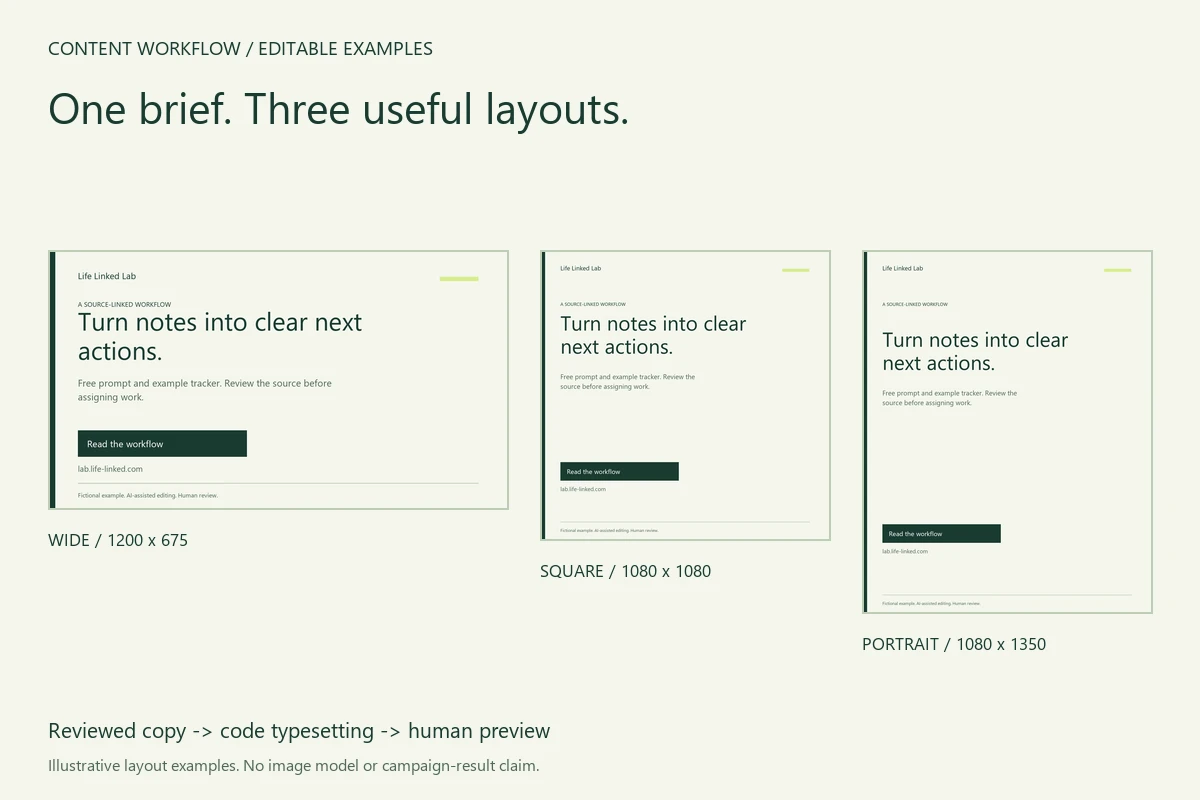
You have one useful guide or product page and need to describe it in several image shapes. Rewriting from memory can quietly change the offer: a free example becomes a “complete solution,” an unknown result becomes a promise, or a new card points to the wrong page. Start with one approved brief, adapt the layout, then check the actual exports.
We used our own meeting-notes workflow to make three promotional examples. The guide really includes a prompt, fictional source notes and an example tracker. We had already prepared a wide card and a smaller preview for another Lab case; this is a reusable approach to that recurring publishing task. It is our production example, not independent evidence that these cards attract readers or sales.
1. Freeze the facts before asking for new copy
A brief should identify the destination, the actual offer and the claims that are absent. A model can help draft wording; it does not supply the missing proof. Here is the reviewed example:
- Brand
- Life Linked Lab
- Headline
- Turn notes into clear next actions.
- Supporting copy
- Free prompt and example tracker. Review the source before assigning work.
- CTA
- Read the workflow
- Destination
- The meeting-notes guide linked above, not a checkout page.
- Disclosure
- Fictional example. AI-assisted editing. Human review.
The downloadable brief also stores the display domain and exact HTTPS destination. The display domain is a short visual label; the full link belongs in the surrounding post. A button drawn inside an image is not clickable.
We did not add a price, testimonial, customer count, guaranteed accuracy or minutes saved. Those facts are not established by the source. When adapting this kit, replace the Lab identity with your own permitted material and verify both the visible domain and the destination.
2. Ask AI for constrained variants, then make an editorial choice
A useful copy request says what must stay fixed. Our editable prompt asks for a table of proposed wording, source field, meaning change and human decision. It prohibits invented offers and puts missing information into review notes.
Use only the reviewed brief. Keep brand, destination, offer scope
and disclosure unchanged. Do not add prices, discounts, customer
counts, guarantees or measured savings. For each proposed line,
show its source field and any change in meaning.
For the published example we kept the same headline and support sentence in all three layouts. Line breaks and spacing changed. There is no need to create a new marketing claim just because the canvas is taller. This was chat-assisted editing with a human-selected final brief, not a blind comparison of copy models or a separately logged API trial.
3. Reflow the layout instead of cropping the same card
| Layout | Pixels | What changes | Inspect |
|---|---|---|---|
| Wide | 1200 × 675 | Shorter vertical spacing; CTA stays clear of footer | PNG · SVG |
| Square | 1080 × 1080 | Narrower text measure and more separation before CTA | PNG · SVG |
| Portrait | 1080 × 1350 | More vertical space; same offer and disclosure retained | PNG · SVG |
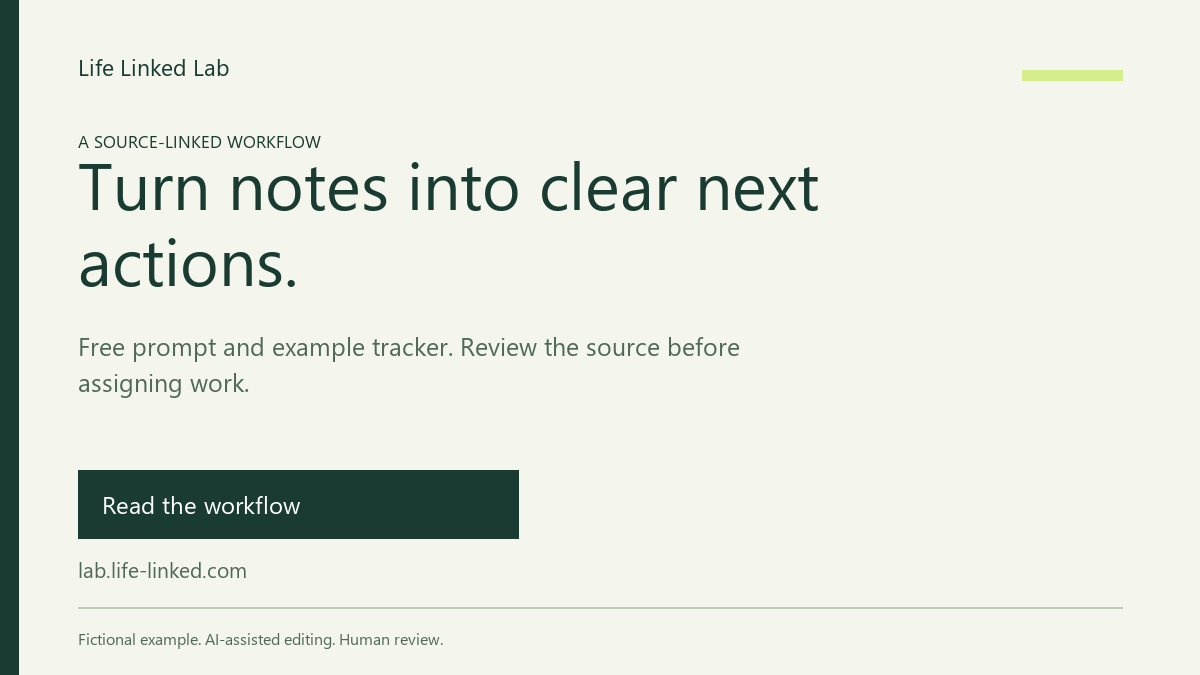
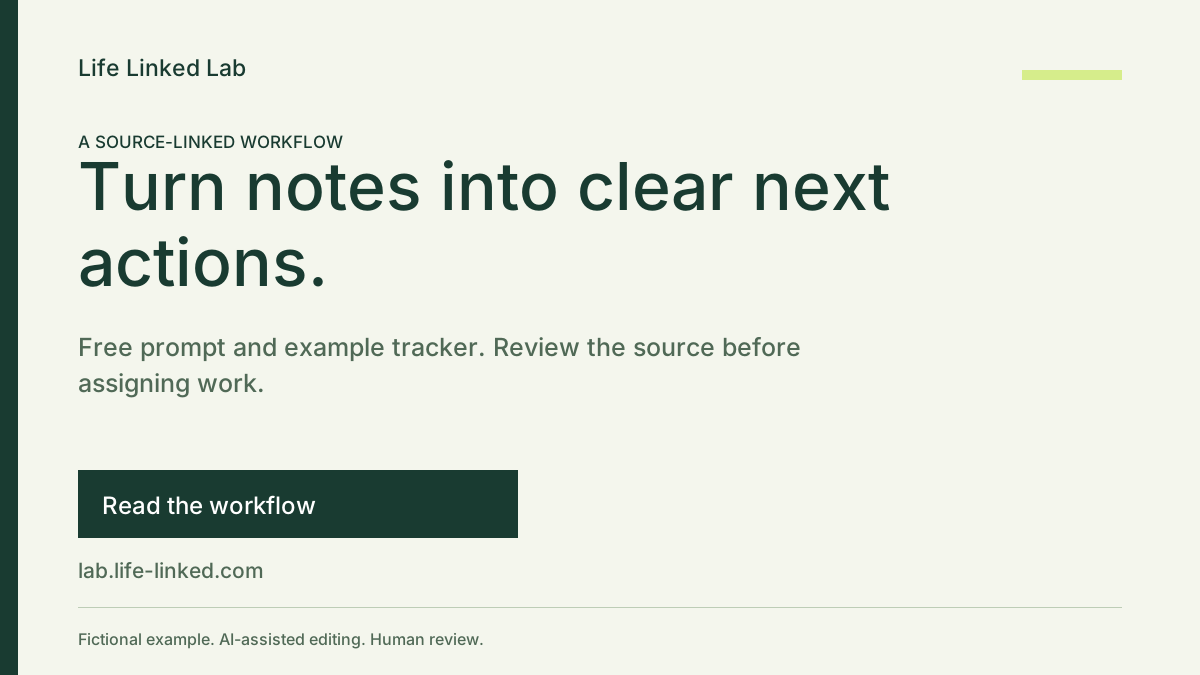
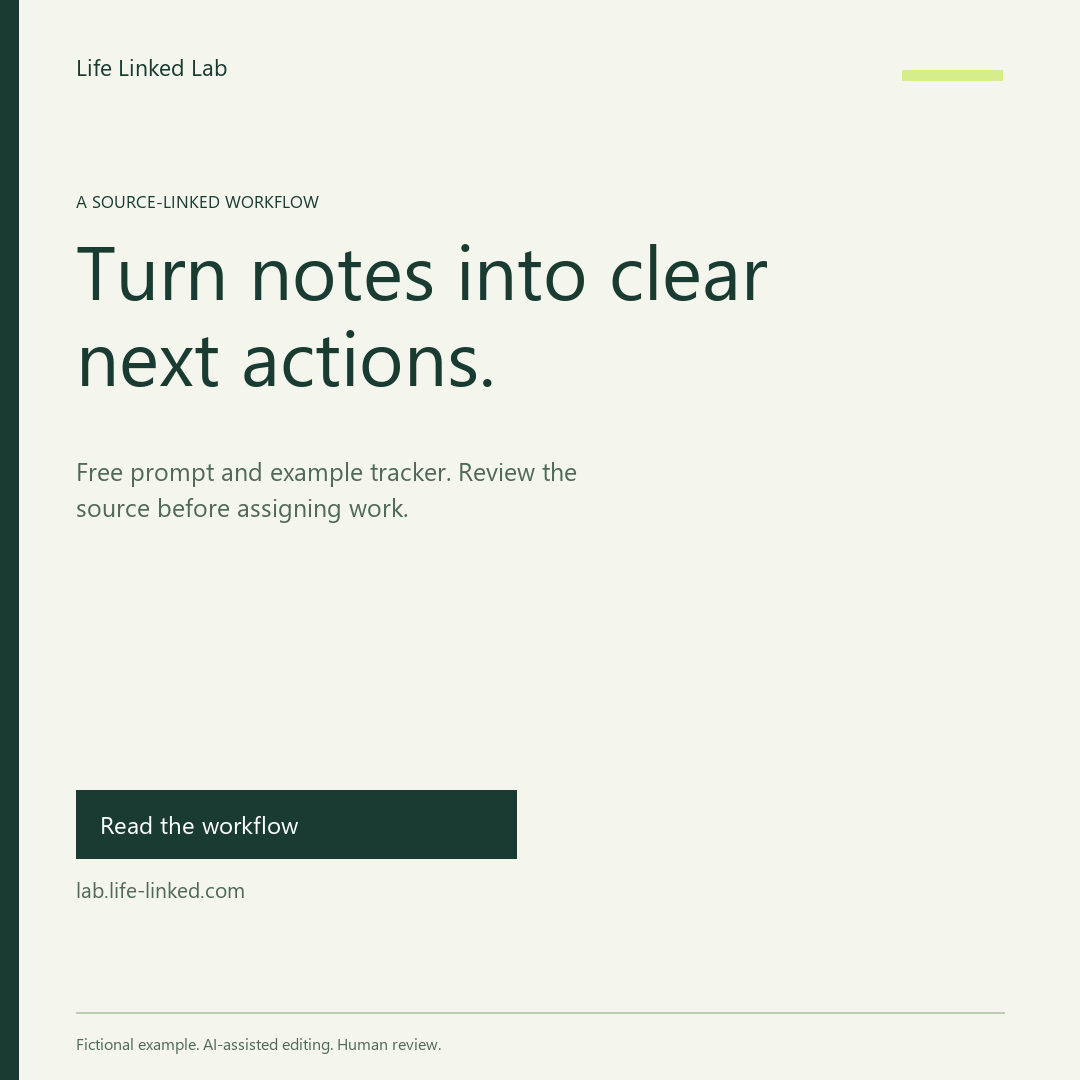
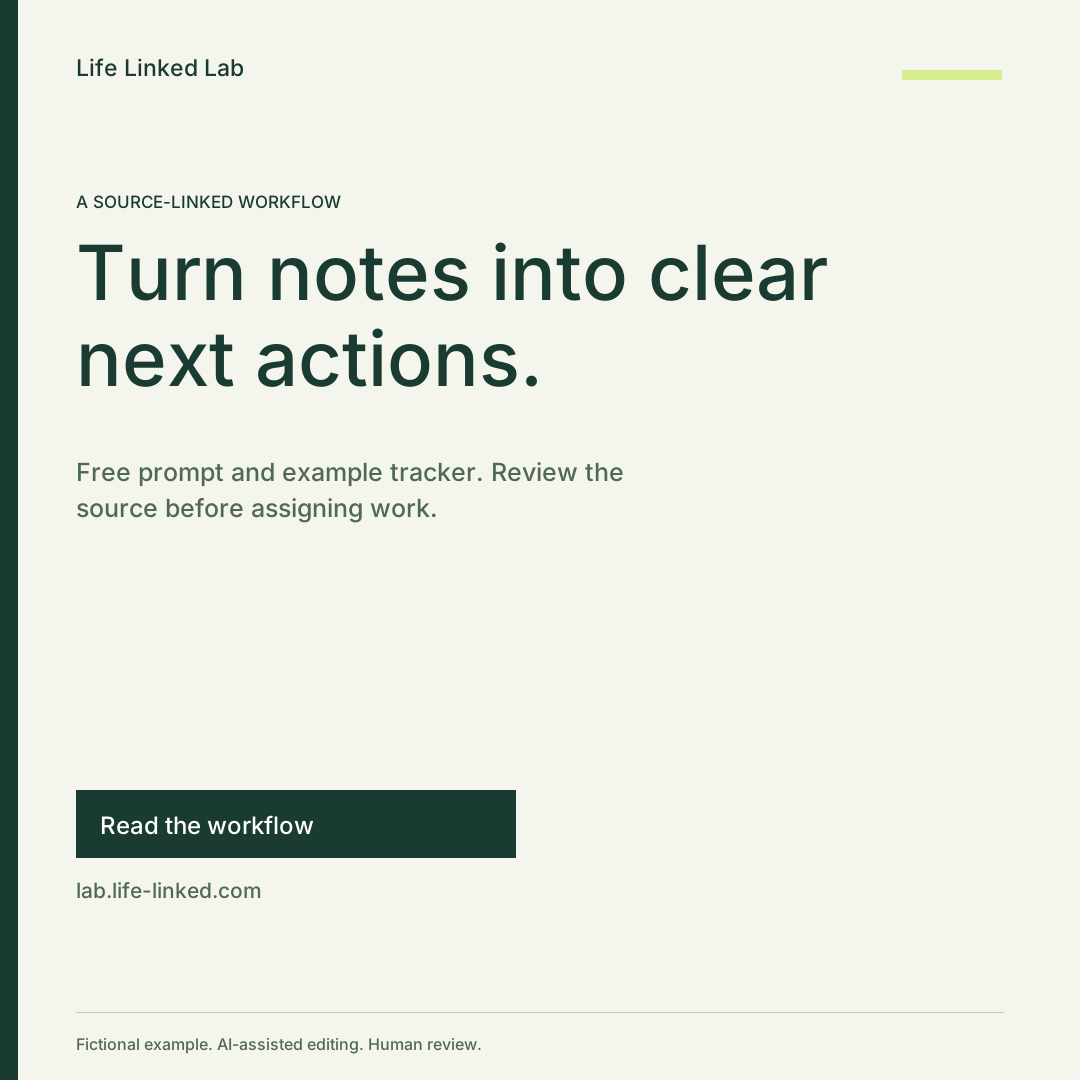
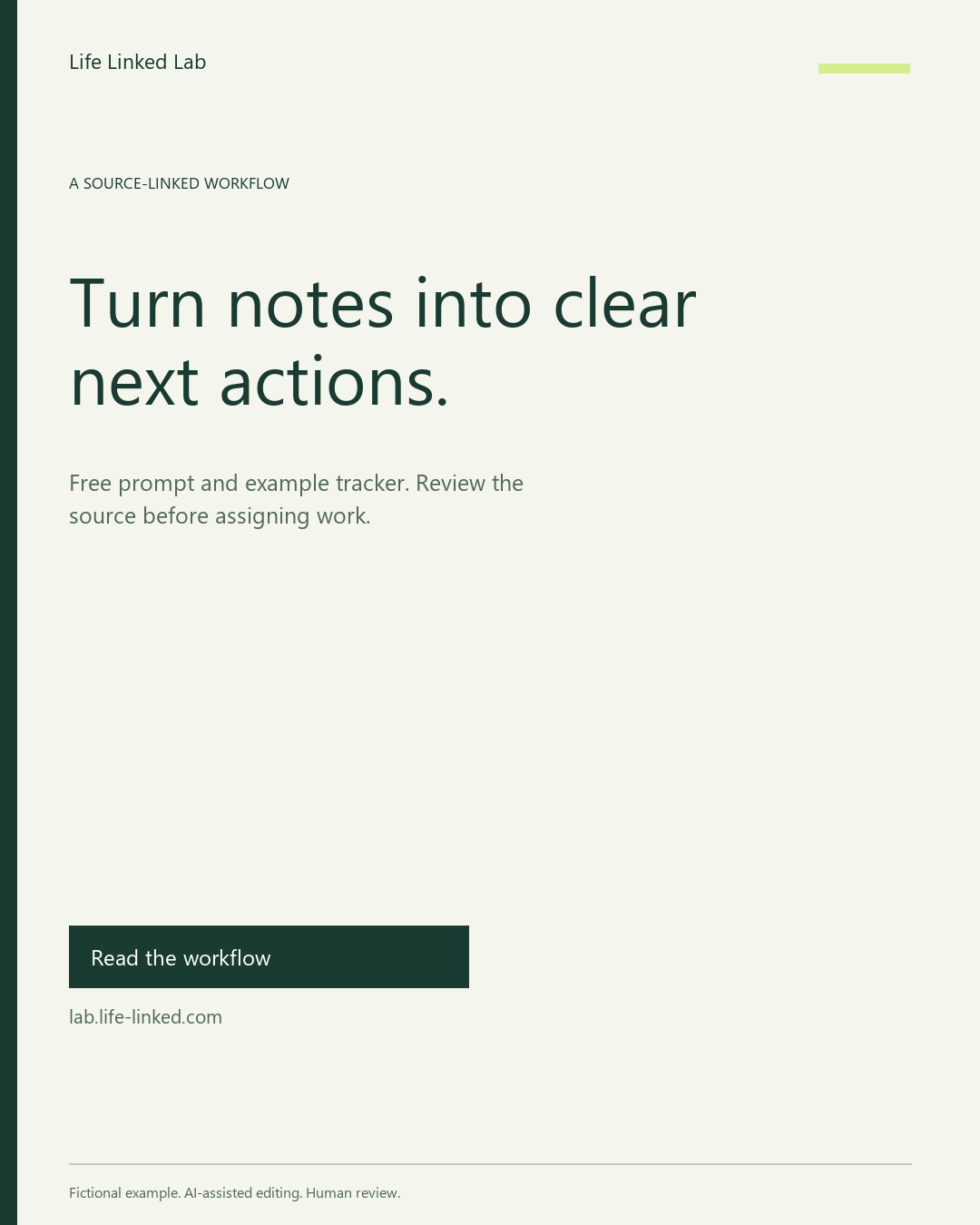
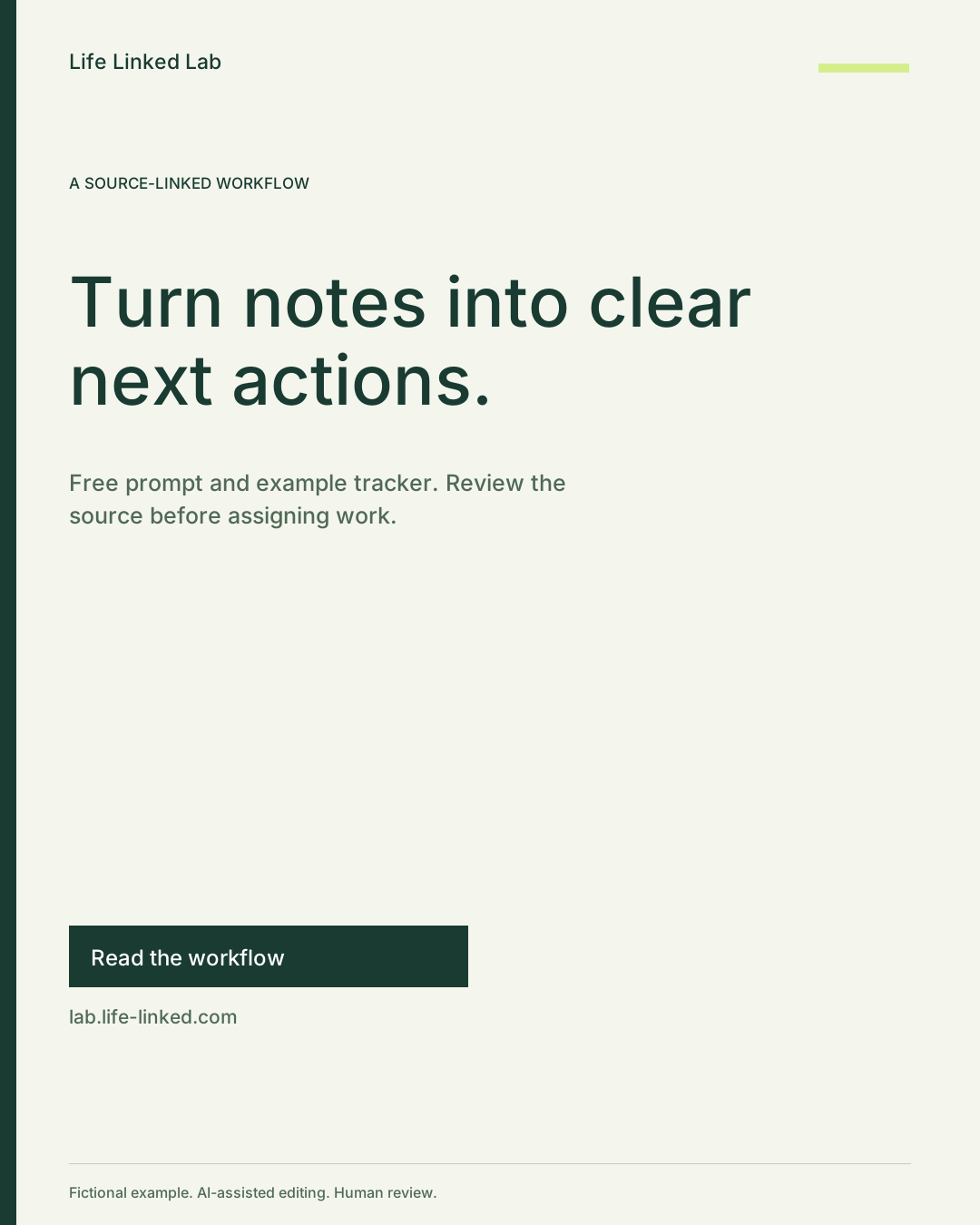
These are practice canvases, not universal official specifications for X, Instagram or any other platform. Check the actual destination's current composer and crop preview before publishing. A local export cannot establish whether platform overlays hide a footer or whether its compressed version remains readable.
The PNG files preserve our rendered typography. The SVG files retain editable text, but another machine may substitute fonts and change line widths. No font file, third-party photo or generated background is bundled. The three source layouts are typeset anew from the brief; the portrait is not a stretched wide image.
4. Record a real revision, including the unglamorous one
Our first wide layout put the domain baseline at y=608 and the footer separator at y=607. The line crossed the URL area. The canvas bounds check did not catch this: both elements were inside the image. We moved the wide CTA group up by 30 pixels, placing the domain baseline at y=578, then rendered again and checked the output.
The headline, offer, destination and disclosure did not change. This is why “inside the canvas” is only one check. The supplied example's PNG text boxes were checked for canvas bounds and text overlap; the final preview also needs human inspection. A different brief or font requires its own review.
- Meaning: every public claim still has a source.
- Fit: text, CTA and footer remain visible and separate.
- Destination: the actual link leads to the promised guide.
- Context: disclosure and descriptive alt text travel with the image where supported.
Download the brief and all three editable layouts
Download the complete free kit ↓
The ZIP contains 13 files: brief, three SVGs, three PNGs, a local preview page, render manifest, Python generator, copy prompt, review checklist and README. Extract the whole ZIP and open preview.html to inspect all three. Start with the images and checklist; Python is optional.
Read the kit instructions · Copy prompt · Review checklist · Generator · Export record
To regenerate editable SVGs with Python 3.10+ and no additional package:
python promo_layouts.py --input brief.json --out my-cards
Choose a new or empty output directory. The script makes no network request and refuses to overwrite a nonempty directory. Optional PNG rendering needs an already available Pillow installation and a permitted local TrueType font; see the README. Do not install anything merely to inspect the supplied PNGs.
What to do with this example
Use the brief to prepare one promotion for material you own or may use. Review the copy, export the needed shape and inspect the real destination preview. The generator checks schema and layout mechanics; it does not fact-check your product, establish trademark permission or predict campaign performance. The supplied short English example does not validate arbitrary languages, long words or replacement fonts.
We have not uploaded these new cards to a social platform, tested clicks, compared ad variants or obtained reader feedback. We cannot report reach, conversion, time saved or revenue from this kit. The next useful result is a clear, correctly linked promotion—not an invented performance number. For other everyday tasks, browse all practical workflows.